Don't miss our spring offer - up to 40% OFF!

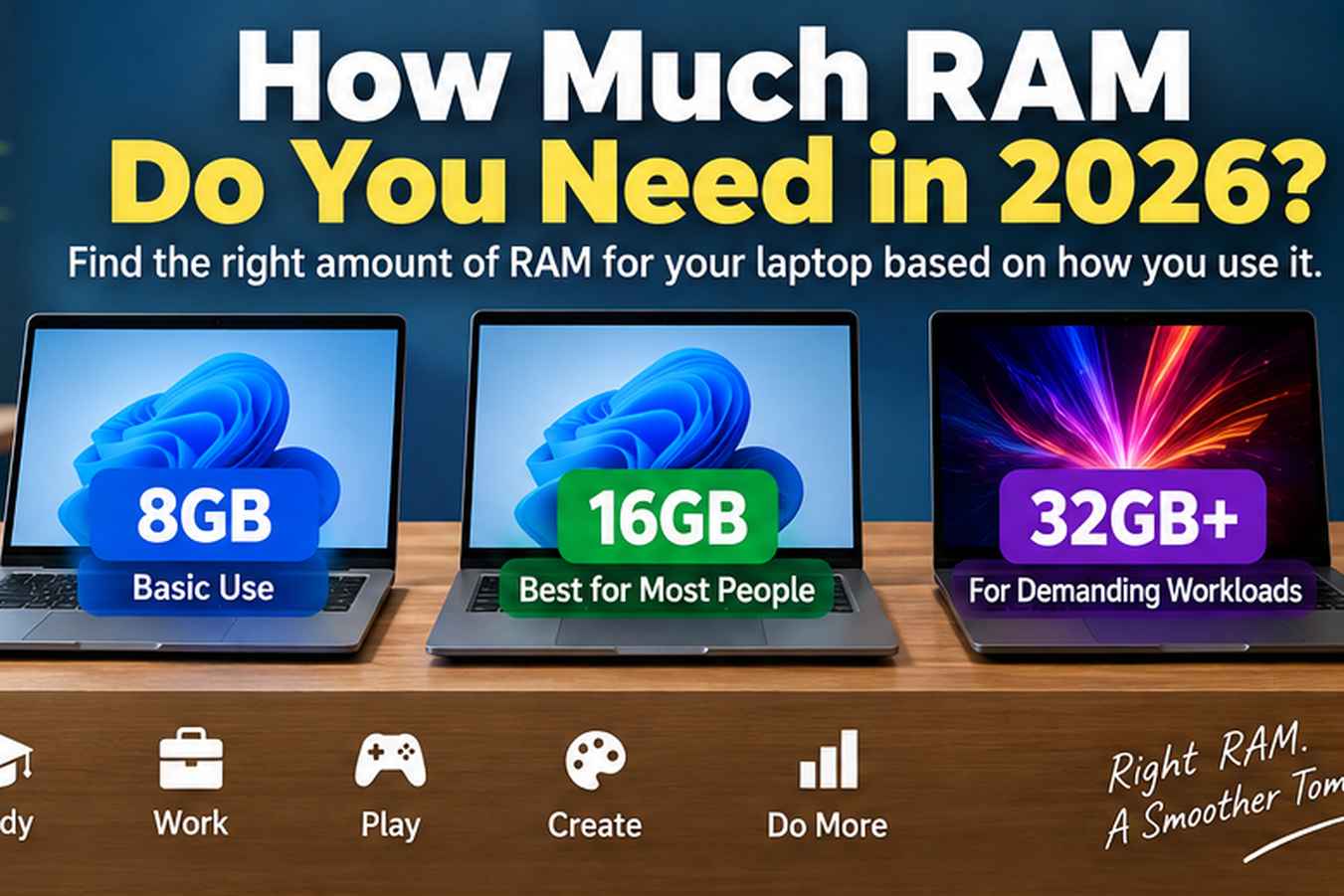
How Much RAM Do You Need in 2026?
How much RAM do you need in 2026? Learn whether 8GB is enough, why we recommend 16GB for good performance, who needs 32GB or more, and what to check before upgrading.

One of the most common questions when buying a laptop is: how much RAM do you actually need? The answer depends on what you want to do with the laptop.
In 2026, 8GB RAM is still acceptable for basic use, but for good overall performance we generally recommend 16GB RAM. For demanding professional work, heavier creative workloads and specialised tasks, 32GB or more may be the better choice.
More RAM does not automatically make every laptop faster in every situation. The important thing is choosing enough memory for the programs, multitasking and workloads you actually use.
1. Is 8GB RAM Enough in 2026?
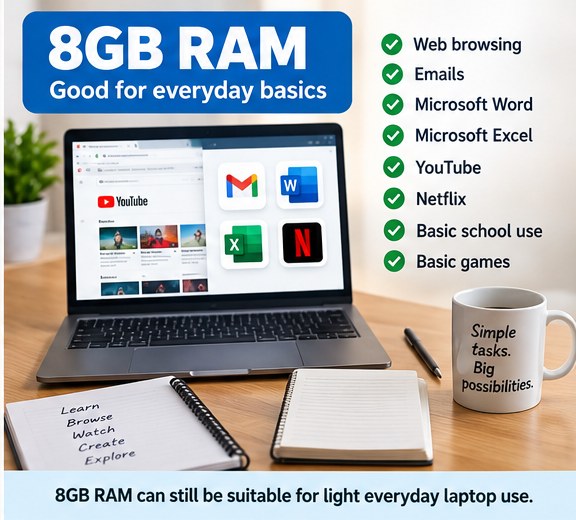
Yes. 8GB RAM is still acceptable for light everyday use. It can be a sensible choice for users who mainly perform basic tasks and do not regularly run demanding software.
- Basic web browsing
- Emails
- Microsoft Word and Excel
- Watching YouTube or Netflix
- Basic school use
- Basic games
For children in primary or high school, or for a laptop used mainly for simple everyday tasks, 8GB can still be enough. The limitation becomes more noticeable when many applications and browser tabs are open at the same time.
2. Why We Recommend 16GB RAM for Most People
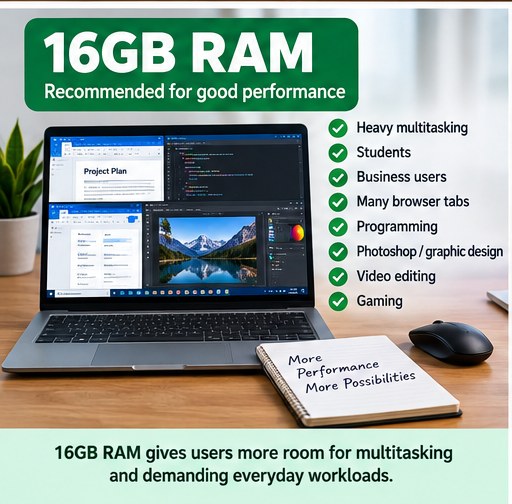
If you want a laptop with more room for multitasking and better everyday performance, 16GB RAM is our general recommendation. It is a much more comfortable choice for people who use their laptops for work, study and more demanding everyday tasks.
- Heavy multitasking
- Students
- Business users
- Running many browser tabs
- Programming
- Photoshop and graphic design
- Video editing
- Gaming
With more memory available, the laptop has more room to keep several programs and tasks active at the same time. In practical everyday use, this can mean better multitasking, less slowing down when several programs are open and a more future-proof setup.
For many buyers, 16GB offers the best balance between affordability and performance.
3. Who Needs 32GB RAM or More?
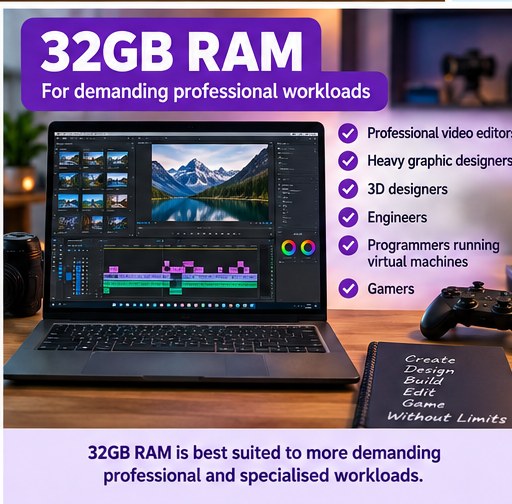
32GB RAM is aimed at users with more demanding workloads. It can make sense when the laptop regularly runs memory-heavy software or several demanding applications at the same time.
- Professional video editors
- Heavy graphic designers
- 3D designers
- Engineers
- Programmers running virtual machines
- Gamers with demanding workloads
For these users, extra memory can provide more room for demanding projects, complex software and heavier multitasking. If your work regularly pushes the limits of a 16GB system, 32GB or more can be worth considering.
4. Can You Upgrade Laptop RAM Later?
Sometimes, but you should always check whether the RAM is upgradeable before buying. Not every laptop allows its memory to be upgraded.
- Check whether the RAM is upgradeable.
- Find out how many RAM slots the laptop has.
- Check whether there is an empty slot available.
- Check the maximum RAM capacity supported by the laptop.
- Do not assume that every laptop can be upgraded.
Some laptops have replaceable RAM modules, while others use soldered memory that cannot be easily upgraded. Checking this before buying is especially important if you are considering an 8GB model with plans to add more memory later.

So, How Much RAM Should You Buy?
- 8GB RAM: Acceptable for basic browsing, emails, Word and Excel, streaming, school use and light everyday tasks.
- 16GB RAM: Our recommendation for good performance, multitasking, students, business users, programming, creative work, video editing and gaming.
- 32GB RAM or more: Best for demanding professional workloads, heavy creative work, 3D design, engineering and virtual machines.
The right choice ultimately depends on what you want to use the laptop for. If the laptop is for basic use, 8GB may be acceptable. If it is for work or heavier everyday use, we recommend starting at 16GB and going up depending on the workload.
Before buying, do not only look at the amount of RAM installed today. Also check whether the RAM can be upgraded later, especially if you expect your needs to grow.